Bambino
CLIENT Bambino is a native iOS app that connects families with nearby babysitters through their personal networks. After an initial launch in the app store, they wanted to expand their feature offerings.
MY ROLE User Research & Interviews, UX & UI Design, Prototyping, User Testing.
TEAM: UX team of 2 (Jared Gambatese, UX Designer).
OBJECTIVE Help Bambino increase their KPI--the Sit Request Success Rate--by user testing and prototyping a calendar feature. Create features based on user interviews, design based on user feedback, iterate.
SUCCESS Key features tested to positive results, calendar feature roll out this winter.
Userflows & Information Architecture
Beginning with an extensive stakeholder interview, I created detailed information architecture and user flows. This helped me to better understand how users were currently moving through the app, with an eye to our main task--solving calendaring and availability issues. I created user scenarios and conducted task analysis based on best practices and heuristics. By completing these tasks I was able to conduct a KPI analysis to hypothesize why the Bambino team wasn't seeing the conversions they needed.
User Interviews & Persona
I contacted several users and set up user interviews. I observed how users completed regular tasks within the app. I asked questions to figure out what their babysitting pain points were and how the app created value in their daily lives. This helped validate the stakeholder's initial assumptions. The users had many compelling things to say, so I let their statements shine in a simplified and direct user persona built around their quotes.
Low-Fi Sketches
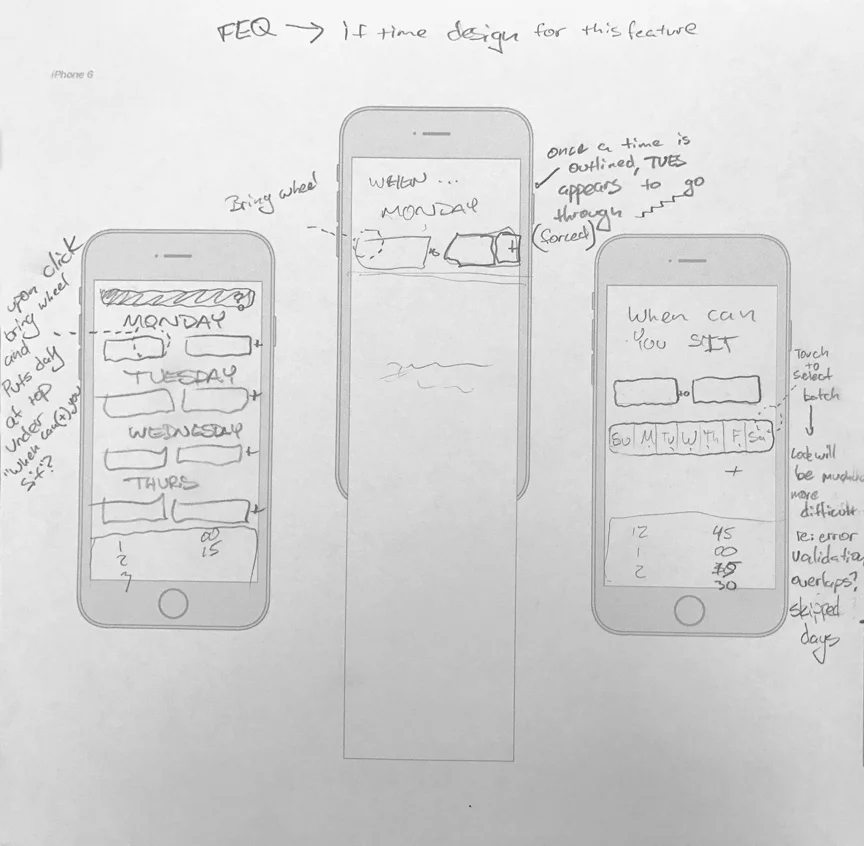
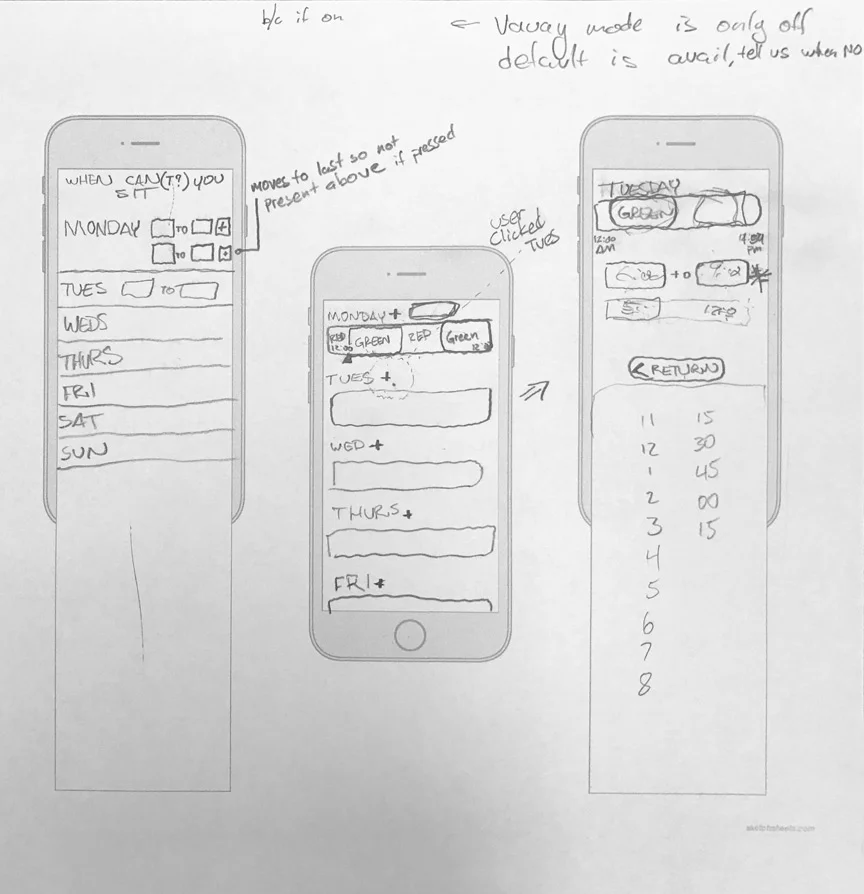
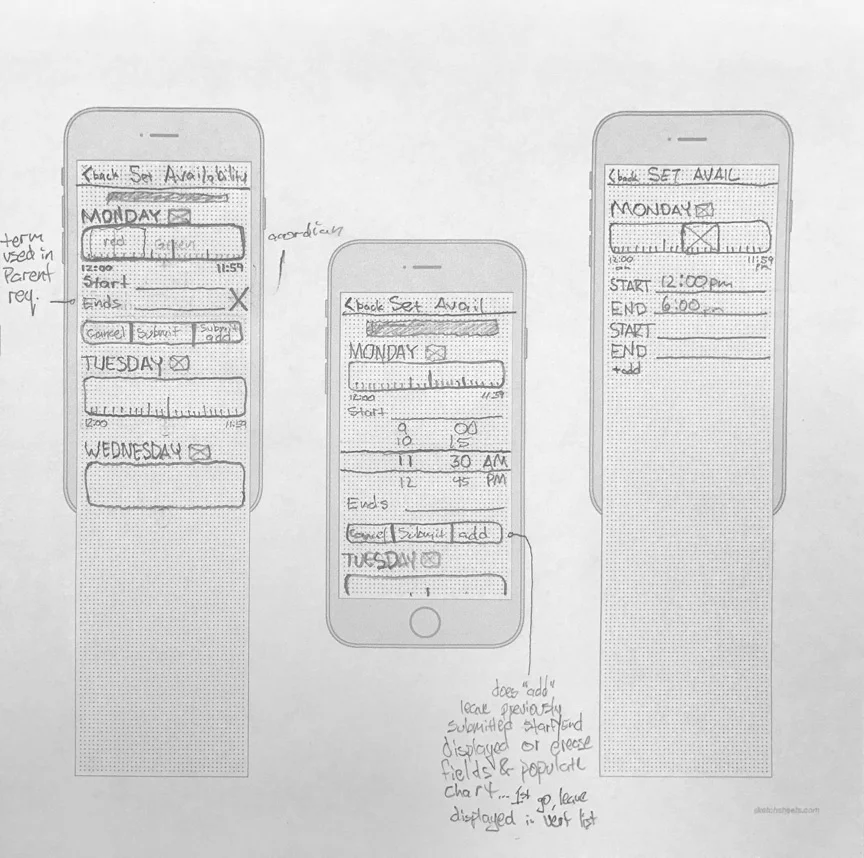
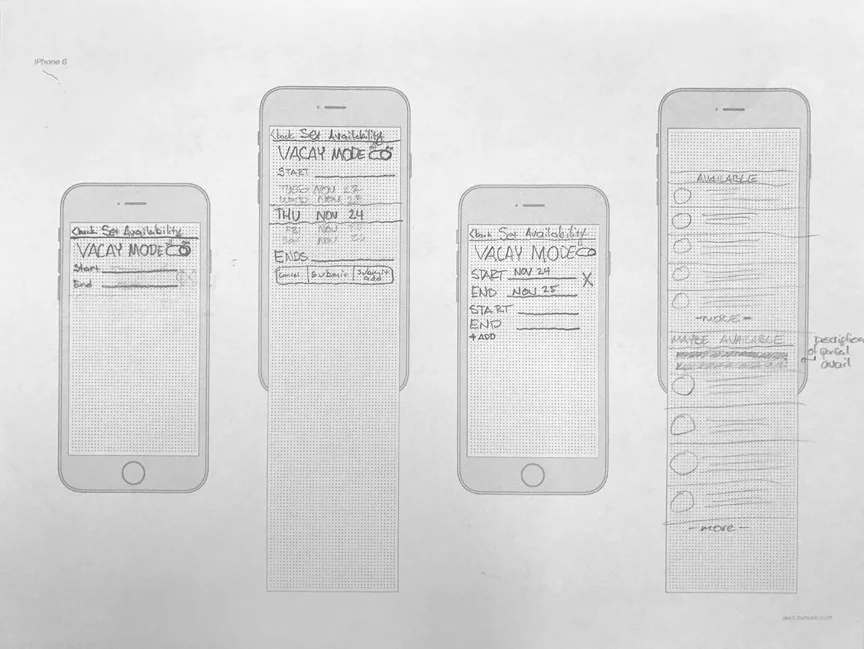
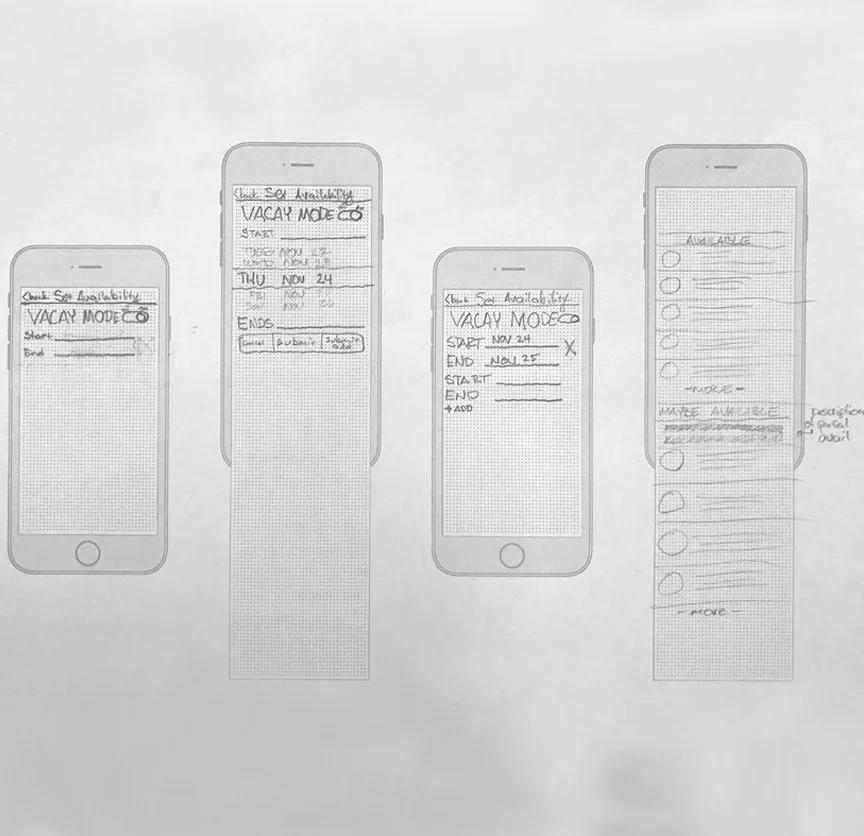
Building off of the previous steps in my UX process, I began ideating and sketching low-fidelity wireframes by hand. I came up with several designs in a design studio. Hand sketches are an extremely effective way to get ideas onto paper, rapidly moving the design process forward.
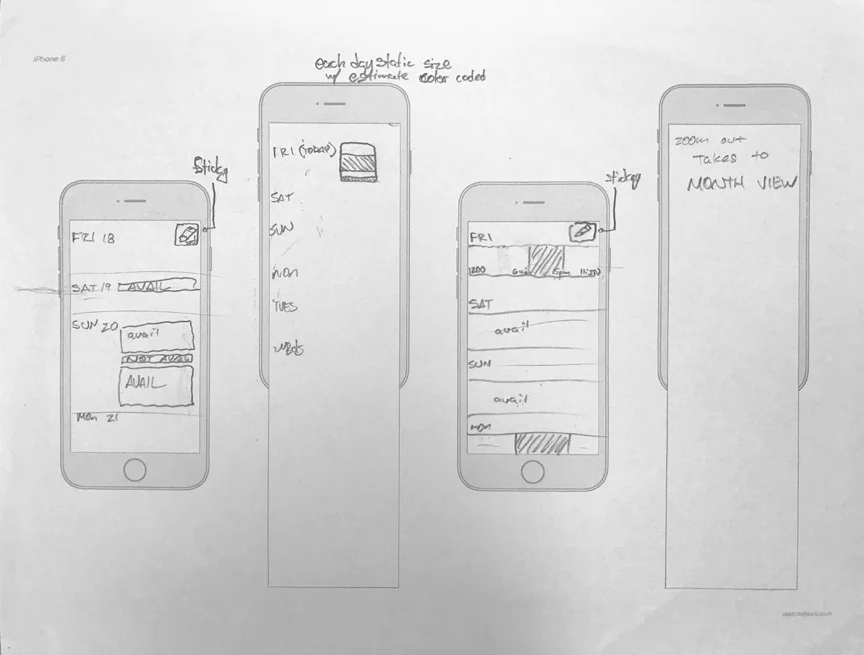
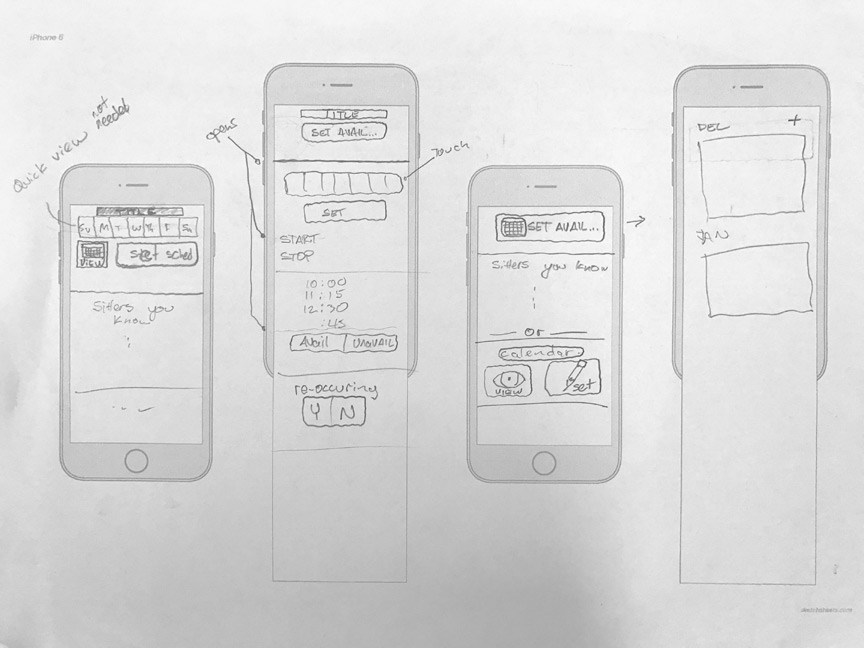
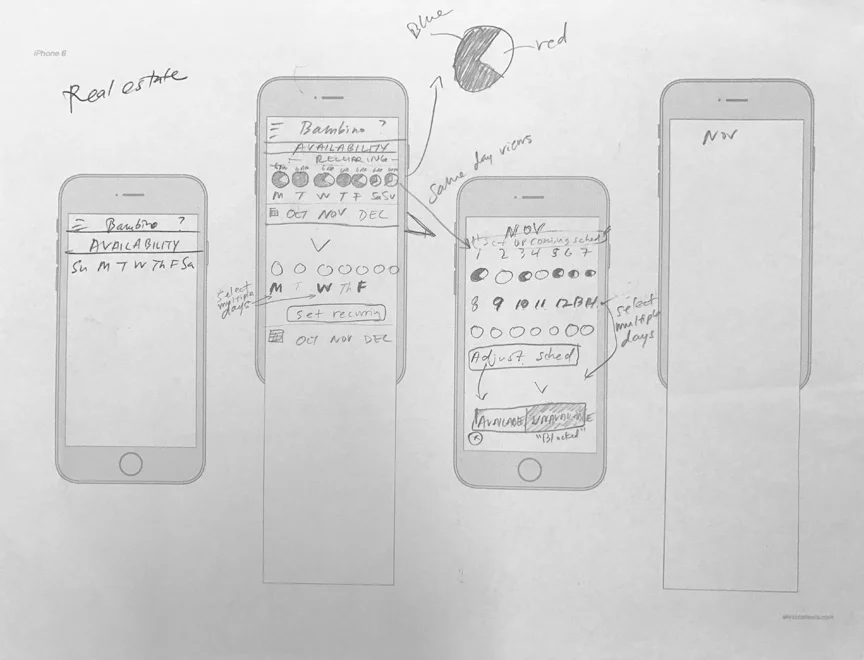
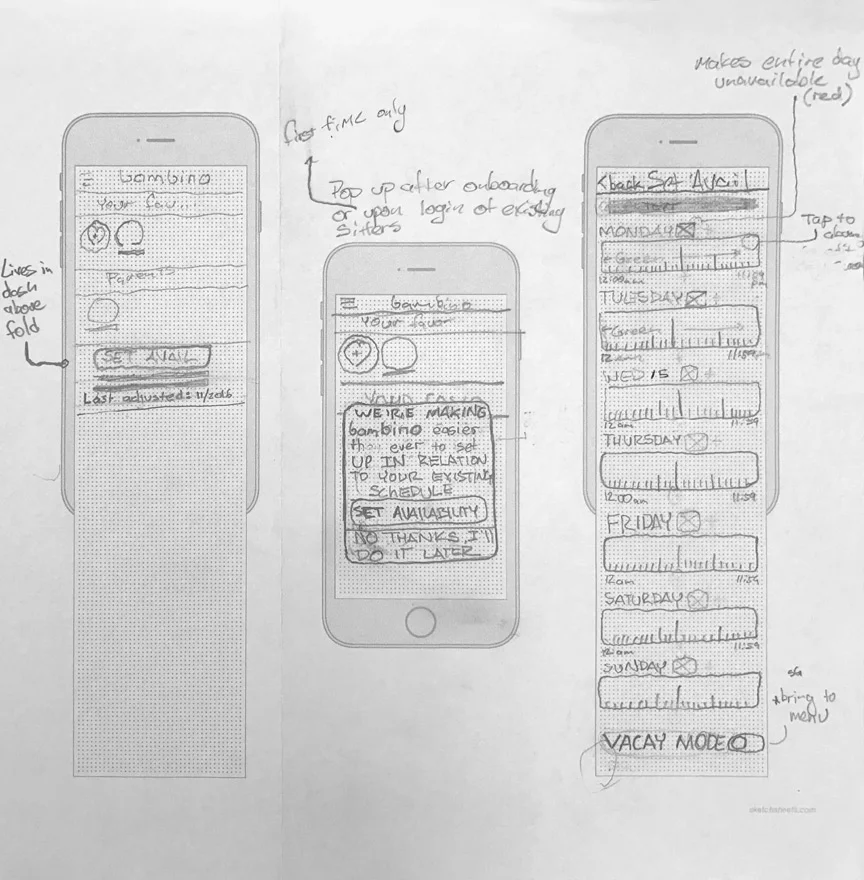
Feedback & Pivot
At this point we presented our low-fi sketch to the stakeholders. We learned that several of our ideas had already been delivered by other UX designers in the recent past. But strangely none of the designs were ever implemented. Why? None of the other designers had user tested the stakeholder's initial concepts, so they were weary of moving forward. To overcome this challenge, we did just that, pivoted to user testing the stakeholder's initial concepts in a mid-fi prototype.

User Testing
I user tested several user flows in prototypes like the one seen below. This let me quickly put key concepts in front of users and gather valuable feedback. I asked several power users a series of questions and prompts about the flow of our calendaring and availability designs. I observed their behavior and their responses. This gave me qualitative data to back up my design decision making.
Wireframes & Mid-Fidelity
I developed further iterations around user feedback. I was able to iterate several versions and get them in front of users for several rounds of testing. From here I selected the features, flows and interactions that were best received by users and presented them to stakeholders.
Live Screens
The below screens were several of the final designs that went to hifi and then deployment in the app. Calendaring and availability features are slated to be deployed in the early part of this year, with the "vacation mode" we tested already going live in the app.